MOP 1.2 — Society Admin Provisioning and Data Mapping
Audience:
super_adminOutcome: A natural person becomes the day-to-day admin of a society (or a specific phase of a society) and can sign in to the Admin Dashboard with their own credentials, scoped to their data.
1. Pre-requisites
- A society exists (MOP 1.1) and — if you are mapping to a phase — a child society too.
- The candidate admin's name, email and phone.
2. Two flows from the same screen
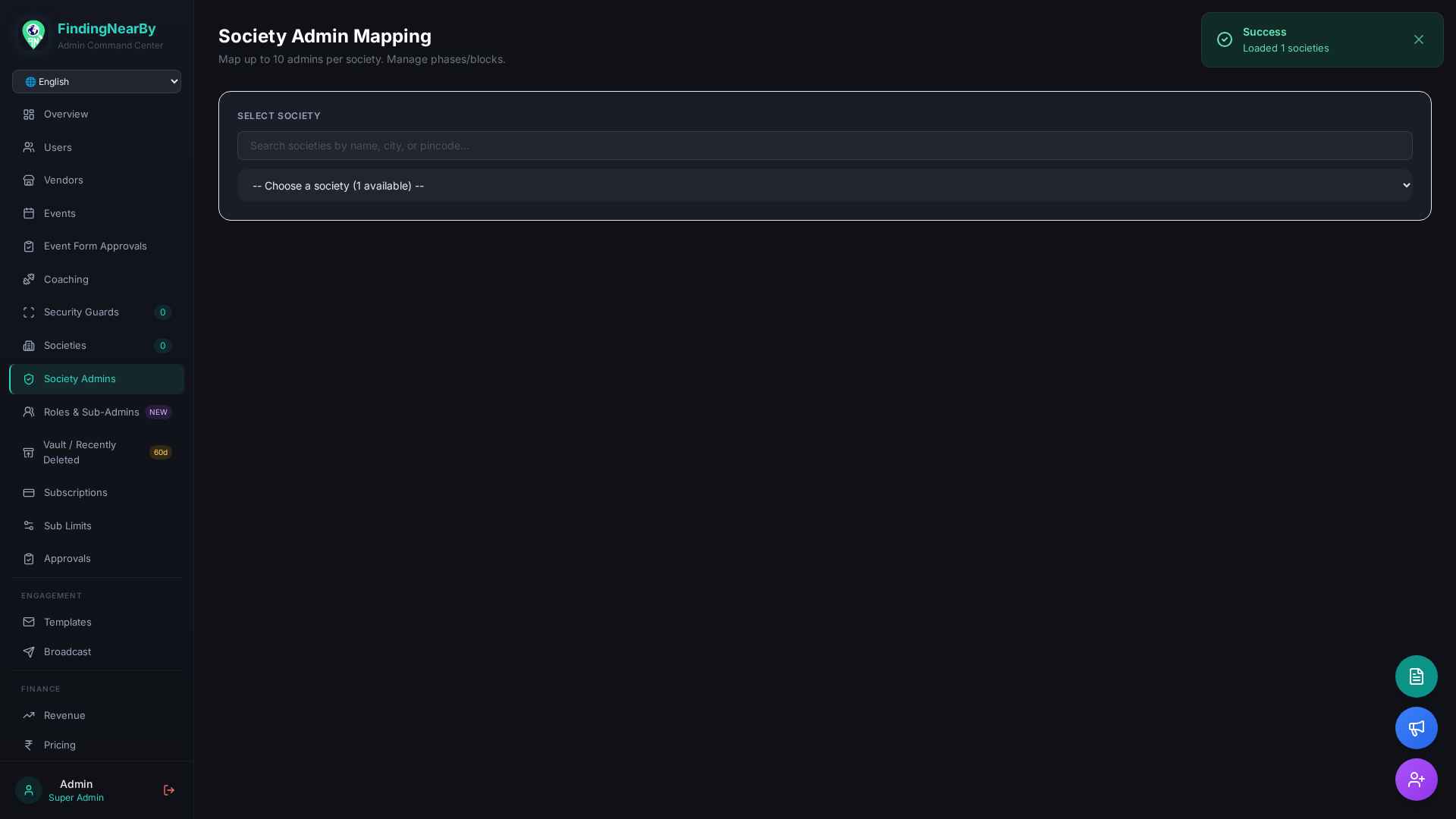
Sidebar → Society Admins (#section-society-admins).
Pick a society. Click + Map Admin to Society → modal opens with two tabs:
2.1 Existing user
Use this when the admin already has a mobile app account.
1. Search by phone / email.
2. Pick role: society_admin (parent-wide) or child_admin (phase-bound).
3. (Phase-bound) Pick a child phase from the dropdown.
4. Map → POST /api/admin/societies/{society_id}/map-admin.
2.2 Create new admin (one-shot)
Use this when the candidate has no account yet — the platform will both
create a User row and an Admin record + the society mapping in a single
transaction.
1. Fill name, email, phone, password (≥ 8 chars).
2. Pick role + (optional) child_society_id.
3. Create & Map → POST /api/admin/societies/{society_id}/admins/create-and-map.
The endpoint creates rows in three collections atomically:
- users (mobile-app account)
- admins (dashboard credentials, password bcrypt-hashed)
- society_admin_mappings (linkage with role + optional child_society_id)
3. Snapshot
4. APIs touched
| Method | Endpoint | Purpose |
|---|---|---|
| GET | /api/admin/societies/{society_id}/admins |
List existing admin mappings |
| POST | /api/admin/societies/{society_id}/map-admin |
Map an existing user as admin |
| POST | /api/admin/societies/{society_id}/admins/create-and-map |
Create + map in one shot |
| DELETE | /api/admin/society-admin-mappings/{id} |
Revoke an admin |
| PUT | /api/admin/society-admin-mappings/{id} |
Change role / phase |
5. Data model
admins
  id, name, email, phone, password_hash, role
  society_id, child_society_id, status, is_active, created_via, created_at

society_admin_mappings
  id, society_id, child_society_id, user_id, user_email,
  user_name, user_phone, role, mapped_by, mapped_at, is_active
6. Edge cases & FAQ
- 405 Method Not Allowed on
/admins/create-and-map→ the deployed backend is older than the dashboard. Redeploy via "Save to GitHub". - Password reset for an admin → uses email OTP via
/api/admin/forgot-passwordand/api/admin/reset-password. - Phase-bound admin sees only their phase's residents, events and event forms — see MOP 1.3.
7. Related MOPs
- MOP 1.1 — Society Onboarding
- MOP 1.3 — Phase Isolation
- MOP 2.1 — Creating Security & Support Staff