MOP 2.2 — Resident User Directories & Verification
Audience:
society_adminOutcome: A clean, searchable directory of residents, with controlled ways to suspend / unsuspend / delete and (super admin only) manage their subscription tier.
1. Where to start
Sidebar → Users. The list is automatically scoped:
- society_admin → residents of their society + vendors who have marked
this society as interested_society_ids.
- child_admin → only residents tagged with the same child_society_id.
- super_admin → everyone.
2. Verifying a resident
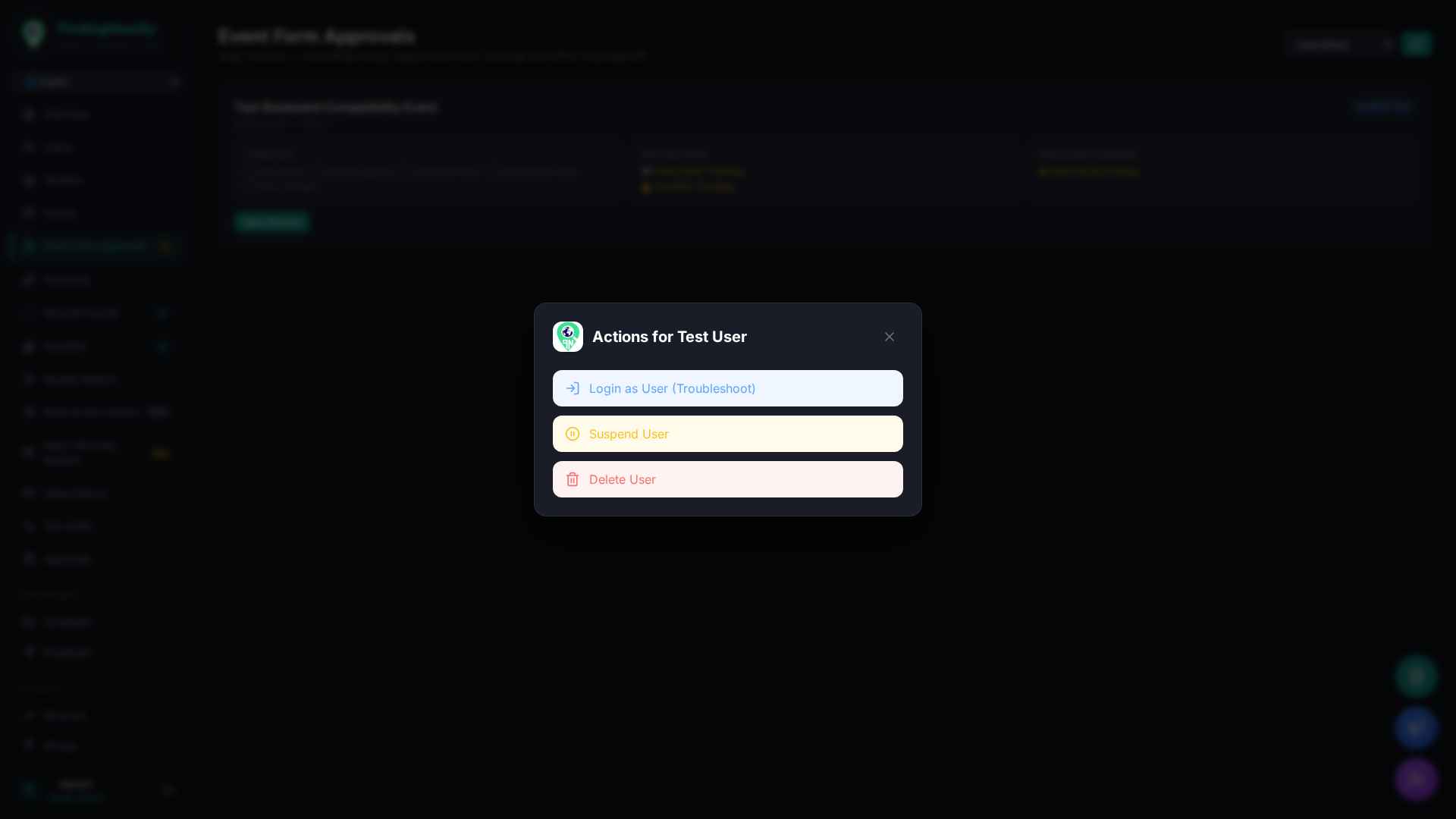
- Click the row → Actions menu.
- Available actions for
society_admin: - Login as User (Troubleshoot) — temporary token to reproduce a bug.
- Suspend / Unsuspend User — flips
account_status. - Delete User — soft-delete (60-day Vault retention).
- Manage Subscription is shown ONLY for
super_admin/admin(subscription billing is a global concern).
3. Bulk import (CSV)
Sidebar → Users → Bulk Import drops a CSV with columns:
name, phone_number, email, society_id, child_society_id, role. The backend
de-dups by phone_number and stamps created_via = "bulk_admin_import".
4. APIs touched
| Method | Endpoint |
|---|---|
| GET | /api/admin/users?status=&role=&search= |
| GET | /api/admin/users/{user_id} |
| PUT | /api/admin/users/{user_id}/status |
| DELETE | /api/admin/users/{user_id} |
| POST | /api/admin/users/bulk-import |
| PUT | /api/admin/users/{user_id}/subscription (super_admin only) |
5. Edge cases & FAQ
- Mobile-app sign-in via OTP writes a
usersrow automatically; the resident appears in the directory the moment they verify their phone. - A vendor-user listing also shows up because of
vendor_profiles.interested_society_ids— that's by design (MOP 4.1). - Suspended user cannot log in, but their data is preserved.
6. Related MOPs
- MOP 1.3 — Phase Isolation
- MOP 4.1 — Vendor Onboarding